
Building a Wikipedia Indexer in C#: Fetching Data for AI Embeddings
In this post, we are going to write the code that handles the first part of our indexing process. We are going to build a basic C# console application that connects to the Wikipedia API, downloads a collection of articles, and prepares them for the next stage of our pipeline.
Eventually, we will create embeddings from these articles and store them in Pinecone, while putting the original text into a content database. But before we get to the vector database wizardry, we need the raw data.
You have likely used Wikipedia before; it is the massive online encyclopedia we all know. We are going to use Wikipedia's API to pull in information about a specific list of historical landmarks.
Setting Up the Source Data
I have created a new C# console application and cleared out the default code in Program.cs. To get started, I added a file named SourceData.cs. This is a static class containing a string array of landmark names. These names correspond directly to Wikipedia articles.
As you can see, we have landmarks like the Eiffel Tower, the Great Wall of China, and Stonehenge.
public static class SourceData
{
    public static readonly string[] LandmarkNames =
    [
        "Eiffel Tower",
        "Great Wall of China",
        "Stonehenge",
        "Edinburgh Castle",
        "Tower Bridge",
        "Buckingham Palace",
        // ... additional landmarks
    ];
}
We will write code that iterates through each of these landmarks one by one. We will use the Wikipedia API to pull down the article information, create an embedding from it, and eventually index it.
Understanding the Wikipedia API
Before writing the client, let's look at the API we are consuming. We are using the English language version at en.wikipedia.org/w/api.php.
We need to pass a few query string parameters to get the data we want. For example, if we query for "Stonehenge" and request the format in JSON, the result looks like this:
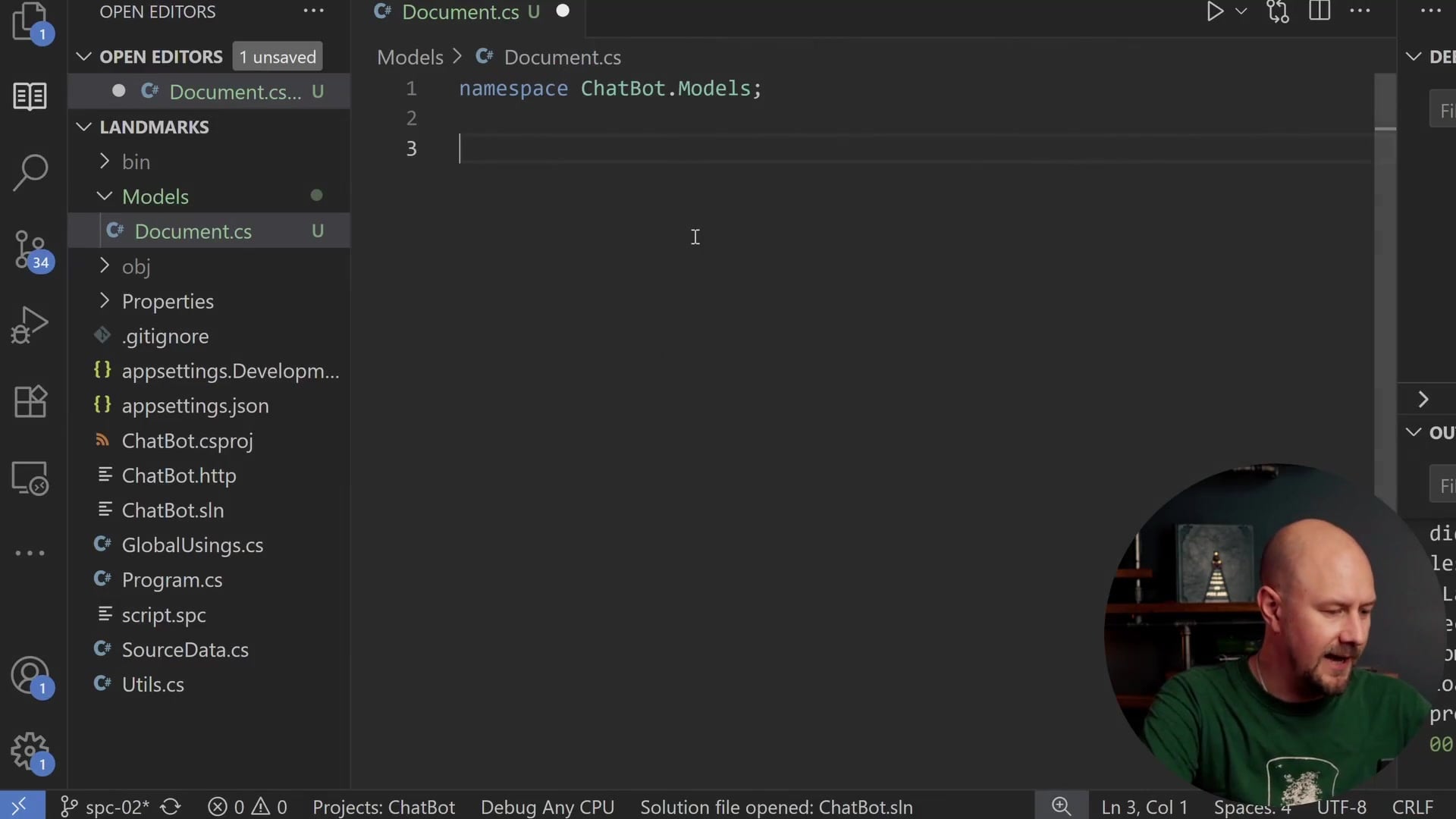
The JSON response contains a query object, which contains pages, and inside that, we get an extract.
An important point to note here is the scope of the content. When we use the standard query arguments, we only get the initial section of the Wikipedia article, which is known as the "extract." Wikipedia articles can be quite long, but for now, we are focusing on this high-level overview at the top of the page. Later on, we might look at indexing the entire article, but for this post, we will just pull out this top summary.
Defining the Document Model
We need a C# type to represent the document coming back from Wikipedia. I created a folder called Models and added a file named Document.cs.
We will define this as a record called Document. It will store the data we want to keep for our search index.
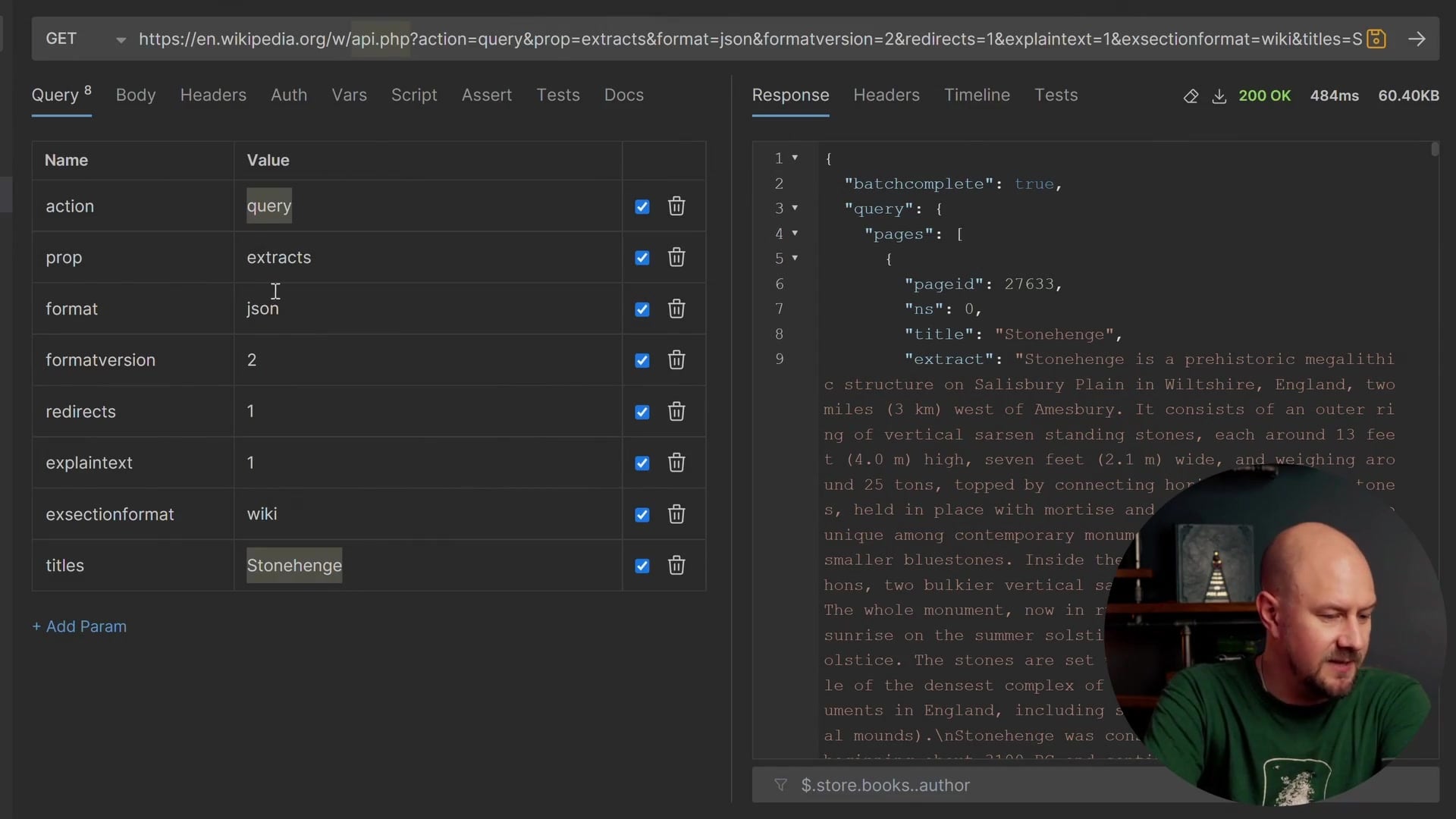
namespace ChatBot.Models;

public record Document(
    string Id,
    string Title,
    string Content,
    string PageUrl
);
Here is what these fields represent:
- Id: A unique identifier for each Wikipedia article.
- Title: The title of the article (e.g., "Stonehenge").
- Content: The string content of the article (the extract we saw earlier).
- PageUrl: The direct link to the Wikipedia page.
We will map the API response into this object, create an embedding from it, and store it so that when a user searches for something, we can match a document based on the Content property and display the Title and PageUrl.
Creating the Wikipedia Client Service
Now, let's create the client to call the API. In a new Services folder, I created WikipediaClient.cs.
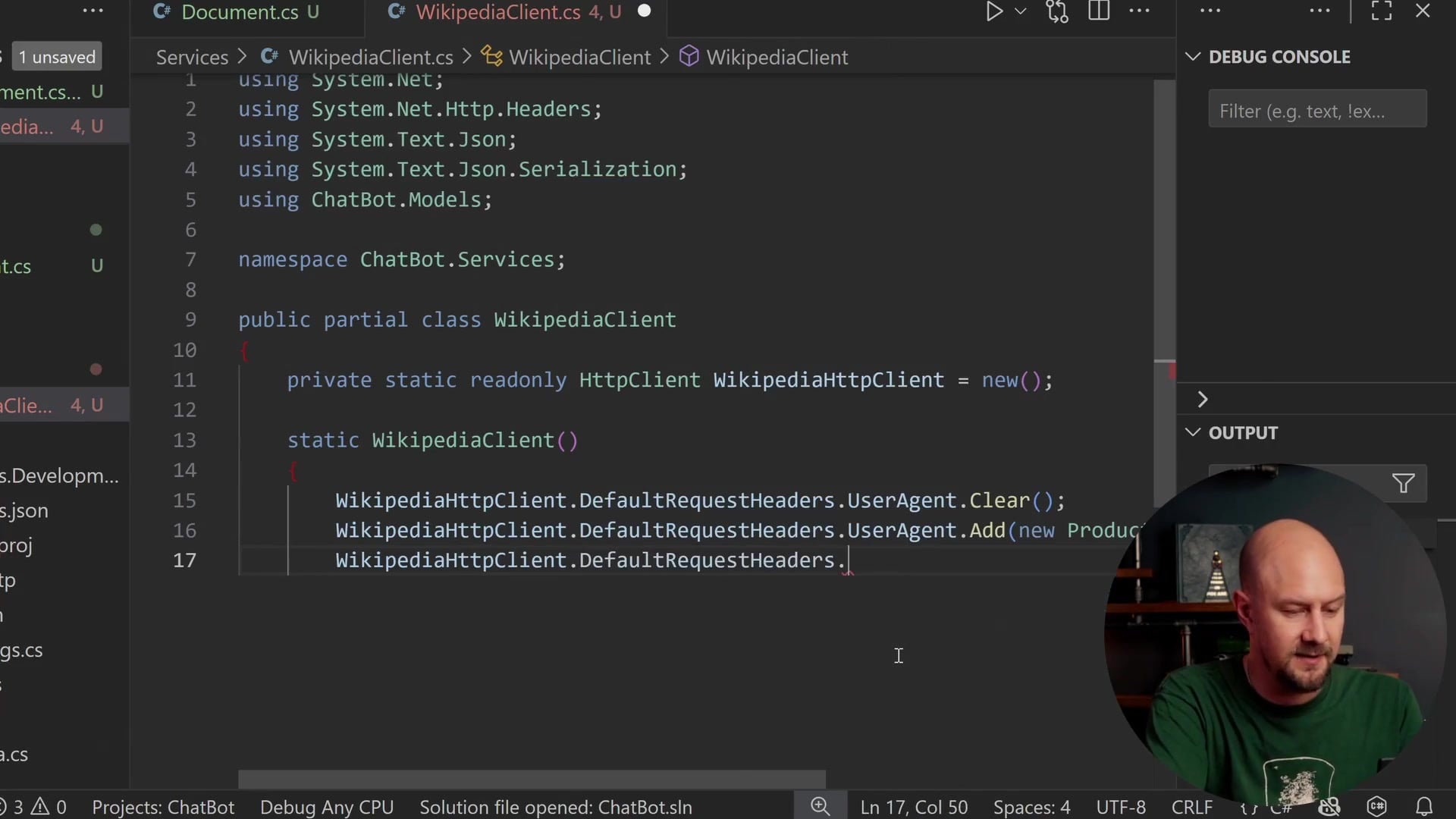
We will start by defining a WikipediaClient class. A critical best practice in .NET is not to create new instances of HttpClient every time you want to use it, as this can lead to socket exhaustion. Instead, we will create a single static instance.

public partial class WikipediaClient
{
    private static readonly HttpClient WikipediaHttpClient = new();

    static WikipediaClient()
    {
        WikipediaHttpClient.DefaultRequestHeaders.UserAgent.Clear();
        WikipediaHttpClient.DefaultRequestHeaders.UserAgent.Add(new ProductInfoHeaderValue("AICourseBot", "1.0"));
        WikipediaHttpClient.DefaultRequestHeaders.UserAgent.Add(new ProductInfoHeaderValue("(contact:[email protected])"));
    }
    // ...
}
We use a static constructor to configure the default request headers. Specifically, we need to set the User-Agent. I am not sure what the default .NET user agent string is, but we want to be good citizens when communicating with Wikipedia.

By identifying our application ("AICourseBot") and providing contact information, we let Wikipedia know who is making these requests. If we accidentally hammer their API, they can identify us or block requests based on this user agent, or even email us to ask us to stop. It is highly recommended to do this when calling open-source community services.
JSON Serialization Options
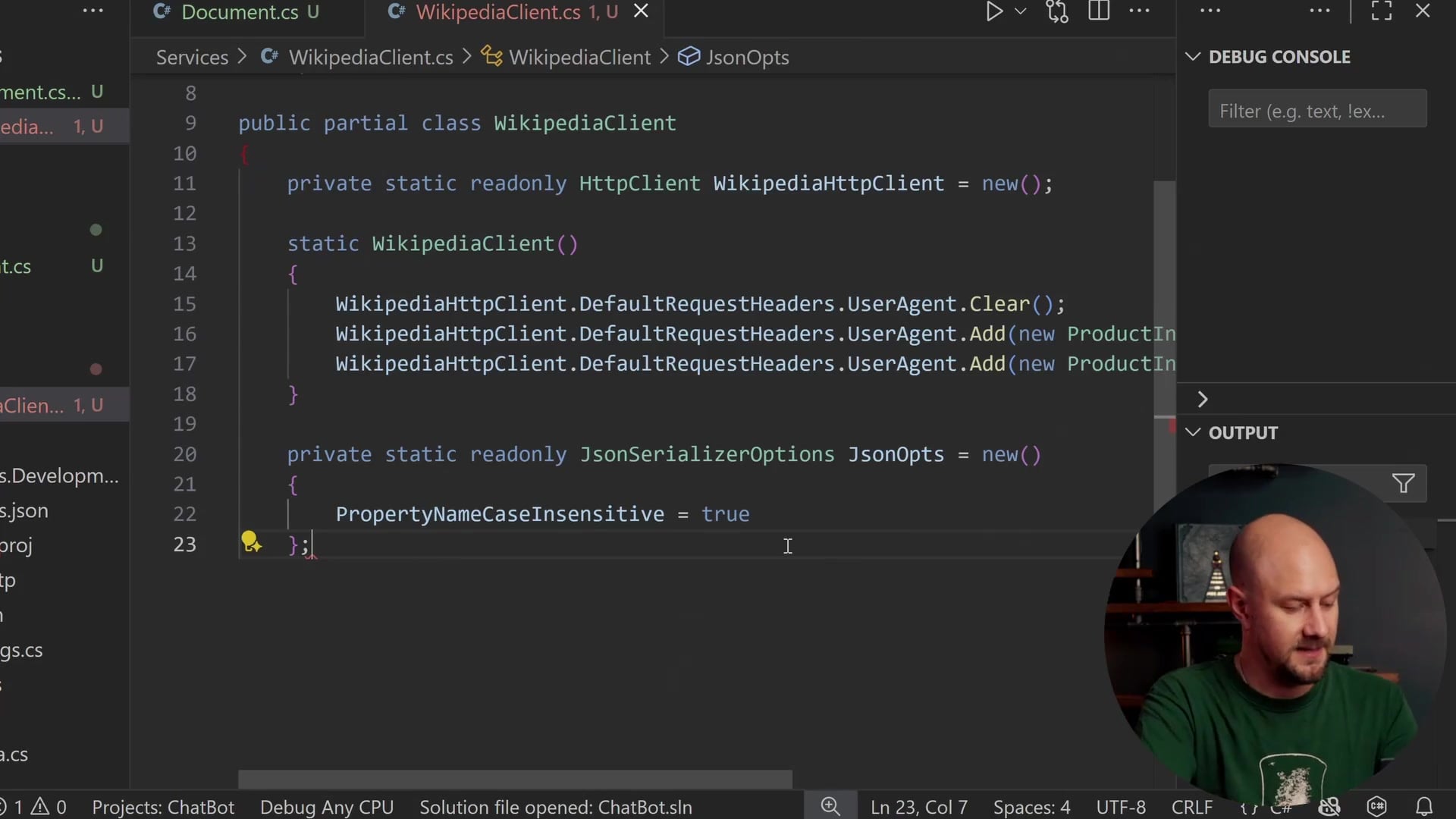
The Wikipedia API returns JSON using lowercase camelCase, which is typical for JSON APIs. However, our C# classes use PascalCase. To handle this mapping automatically, we need to configure JsonSerializerOptions.
private static readonly JsonSerializerOptions JsonOpts = new()
{
    PropertyNameCaseInsensitive = true
};
Setting PropertyNameCaseInsensitive to true ensures that a JSON property like title maps correctly to our C# property Title.
Helper Classes for Deserialization
We also need some internal classes to deserialize the specific shape of the Wikipedia JSON response. The response has a query property, which contains pages, which is an array containing objects with pageid, title, and extract.

private sealed class WikiApiResponse
{
    [JsonPropertyName("query")]
    public WikiQuery? Query { get; set; }
}

private sealed class WikiQuery
{
    [JsonPropertyName("pages")]
    public List<WikiPage> Pages { get; set; } = new();
}

private sealed class WikiPage
{
    [JsonPropertyName("pageid")]
    public long? PageId { get; set; }

    [JsonPropertyName("title")]
    public string? Title { get; set; }

    [JsonPropertyName("extract")]
    public string? Extract { get; set; }

    [JsonPropertyName("missing")]
    public bool? Missing { get; set; }
}
These classes mirror the JSON structure we saw in the browser, allowing us to easily pull out the data we need.
Constructing the Request URL
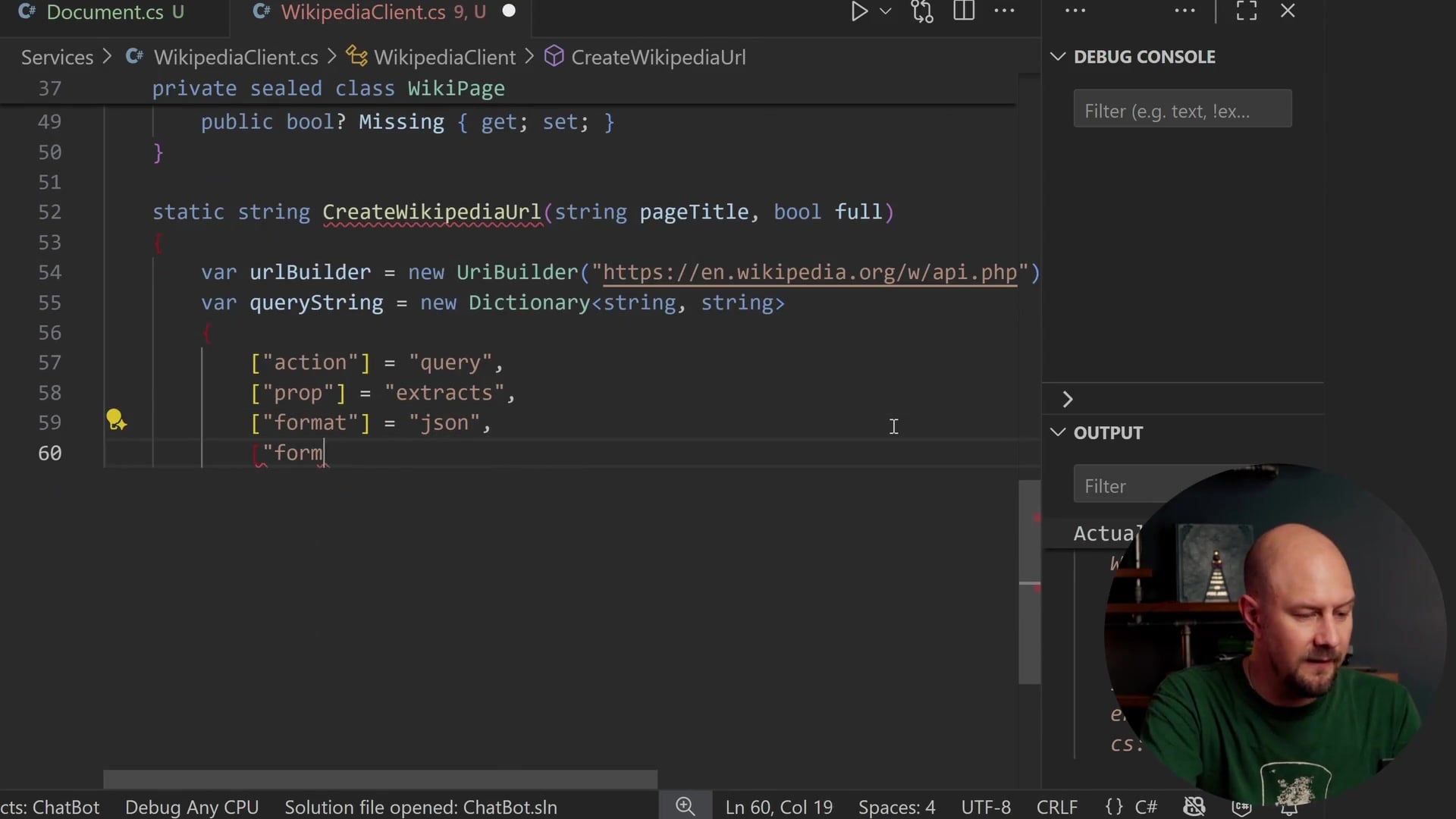
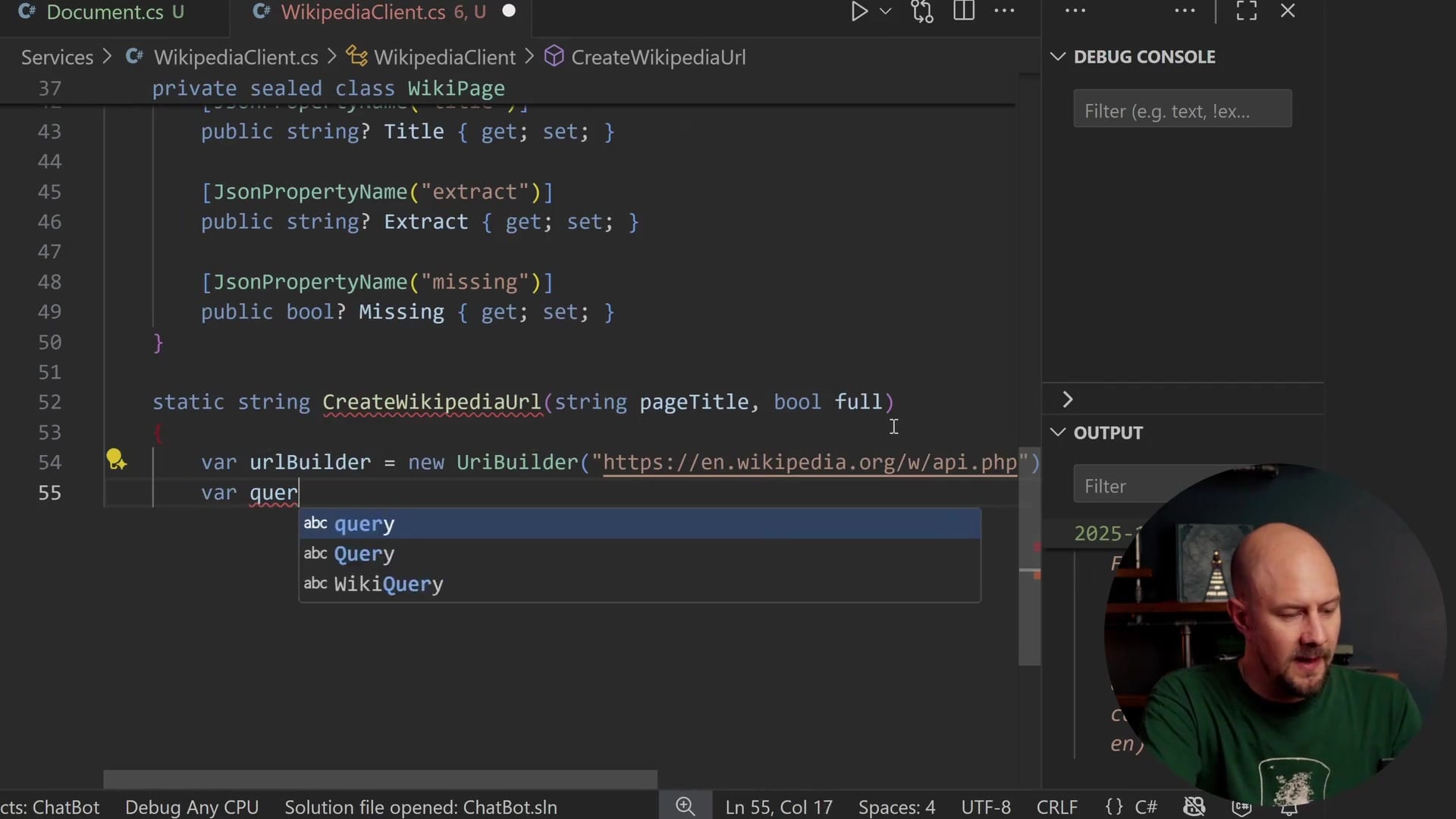
We need a function to build the long URL with all the query string parameters. We will create a method called CreateWikipediaUrl.
We use the UriBuilder class, which is a safer way to construct URLs than string concatenation.
static string CreateWikipediaUrl(string pageTitle, bool full)
{
    var urlBuilder = new UriBuilder("https://en.wikipedia.org/w/api.php");
    var queryString = new Dictionary<string, string>
    {
        ["action"] = "query",
        ["prop"] = "extracts",
        ["format"] = "json",
        ["formatversion"] = "2",
        ["redirects"] = "1",
        ["explaintext"] = "1",
        ["exsectionformat"] = "wiki",
        ["titles"] = pageTitle
    };

    if (!full)
    {
        queryString["exintro"] = "1";
    }

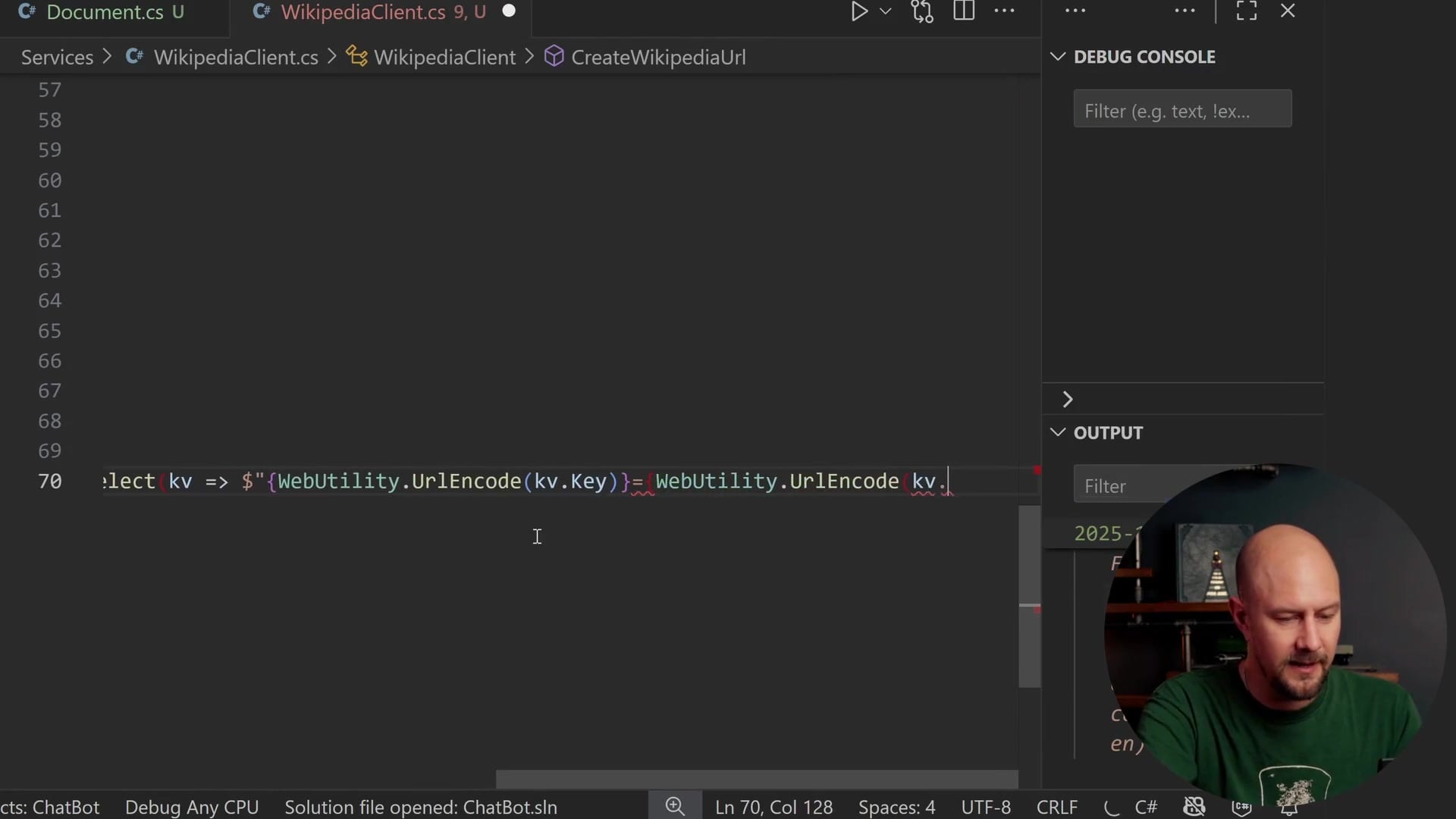
    urlBuilder.Query = string.Join("&", queryString.Select(kv => $"{WebUtility.UrlEncode(kv.Key)}={WebUtility.UrlEncode(kv.Value)}"));
    return urlBuilder.ToString();
}
We define parameters like explaintext and exsectionformat based on the Wikipedia API documentation. The titles parameter is where we pass in our landmark name (e.g., "Stonehenge").
If the full boolean parameter is false, we add exintro=1, which tells the API to only return the introductory extract, not the full article. Finally, we join these parameters into a query string, ensuring keys and values are URL-encoded.
Fetching and Processing the Page
Now we can write the method that actually performs the fetch. This will be an async task that returns a Document.
static async Task<Document> GetWikipediaPage(string url)
{
    using var request = new HttpRequestMessage(HttpMethod.Get, url);
    using var response = await WikipediaHttpClient.SendAsync(request, HttpCompletionOption.ResponseHeadersRead);

    response.EnsureSuccessStatusCode();

    var json = await response.Content.ReadAsStringAsync();
    var apiResponse = JsonSerializer.Deserialize<WikiApiResponse>(json, JsonOpts)
                      ?? throw new InvalidOperationException("Failed to deserialize Wikipedia response.");

    var firstPage = apiResponse.Query?.Pages?.FirstOrDefault();

    if (firstPage is null || firstPage.Missing is true)
        throw new Exception($"Could not find a Wikipedia page for {url}");

    if (string.IsNullOrWhiteSpace(firstPage.Title) || string.IsNullOrWhiteSpace(firstPage.Extract))
        throw new Exception($"Empty Wikipedia page returned for {url}");

    // ... mapping logic continues
We send the request and use EnsureSuccessStatusCode to throw an exception if we get anything other than a 200 OK (or similar 2xx code). We then deserialize the JSON string into our WikiApiResponse object.
Because we are searching by a specific title, we expect the Pages list to contain a single result. We grab the first page and perform several checks. If the page is null, "missing", or has empty content, we throw an exception. We do not want to index blank or invalid pages.
Generating a Safe ID
To create a robust system, we need a clean ID for our database. I included a utility method called ToUrlSafeId in a Utils class.
public static string ToUrlSafeId(string? title)
{
    if (string.IsNullOrWhiteSpace(title))
        return string.Empty;

    var s = title!.Trim();
    s = Regex.Replace(s, @"[^\w\-]+", "_");
    s = Regex.Replace(s, "_{2,}", "_");
    s = s.Trim('_');

    if (string.IsNullOrEmpty(s))
        return Uri.EscapeDataString(title);

    return s;
}
This function takes the title and removes special characters, spaces, and brackets using basic Regex. This ensures that our ID (e.g., "Great_Wall_of_China") is safe to use in Pinecone or as a database key.
Mapping to the Document Record
Finally, we map the data from the API response to our Document record.
    var title = firstPage.Title!;
    var content = firstPage.Extract!.Trim();

    var id = Utils.ToUrlSafeId(title);
    var pageUrl = $"https://en.wikipedia.org/wiki/{Uri.EscapeDataString(title)}";

    return new Document(
        Id: id,
        Title: title,
        Content: content,
        PageUrl: pageUrl
    );
}
We construct the public-facing Wikipedia URL manually using the title, so we can direct users to the actual article later.
Exposing the Service
To wrap this up, we create a public instance method that our application will call.
public Task<Document> GetWikipediaPageForTitle(string title, bool full = false)
{
    var url = CreateWikipediaUrl(title, full);
    return GetWikipediaPage(url);
}
This method simply acts as a bridge. It takes a title (from our SourceData list), generates the correct API URL, and calls our internal static fetching logic.
Recap
We have successfully built the foundation for our indexing pipeline. Here is what we accomplished:
- Data Source: We established a static list of landmarks to index.
- Model: We defined a
Documentrecord to hold clean data. - Client: We built a
WikipediaClientthat managesHttpClientefficiently and respects API etiquette with User-Agent headers. - Logic: We implemented robust URL construction, JSON deserialization, and error handling to ensure we only process valid content.
In the next phase of this project, we will use this client to iterate through our source data, fetch the articles, and begin the process of generating embeddings for our vector database.
Thanks for reading, and happy coding!